RSS Feed Generator & Builder
Create an RSS feed from any website, URL, or page section.
Paste a URL, choose the section you want, and get a feed in seconds.
Turn Any Webpage Into an RSS Feed
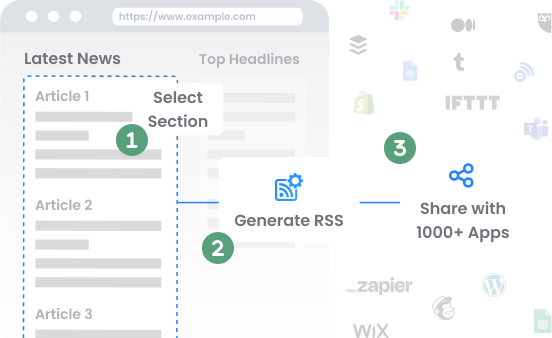
Many websites no longer provide RSS feeds. RSS Builder helps you create your own by turning selected content from any page into a live RSS feed.
Create RSS from Webpage
Build a feed from websites that do not provide RSS.
Select the Exact Section
Choose the part of the page you want in your feed.
Get Automatic Updates
New content is added to your RSS feed automatically.
No Coding Needed
Paste a URL, select a section, and build your feed.
Convert Any URL or Website Into an RSS Feed
Paste a link and turn any website or URL into a live RSS feed. Feedspot's RSS feed generator reads the page, lets you select the exact section you want, and converts it into a structured feed that updates automatically.
- Create an RSS feed from a URL in seconds
- Convert a website to RSS without editing any code
- Turn a single page section into its own feed
- Generate RSS from sites that have no native feed
How to Create an RSS Feed From Any Website
You can set up an RSS feed in four steps. No coding and no waiting for a site to add its own feed. Here's how to make an RSS feed from any webpage or URL.
Paste a URL
Enter the URL of the webpage you want to convert into an RSS feed.
Select the section to track
Choose the exact part of the page: article lists, headlines, or product listings, that you want in your feed.
Generate and name your feed
Click Save RSS, name the feed, and Feedspot formats the content into a structured RSS feed.
Get automatic updates
Your feed appears in Generated Feeds and the FeedSpot Reader, and updates itself as new content is published.
Key Features
Everything you need in an RSS builder for modern websites.
Works on Websites Without RSS
Create feeds even when a website does not provide one.
Choose the Exact Content You Want
Track only the section of the page that matters to you.
Automatic Feed Updates
New content is added to your RSS feed automatically.
Easy To Use
Paste a URL, pick a section, and build your feed. No setup or code required.
Built for Monitoring
Follow blogs, products, listings, and announcements in one place.
Ready for automation
Use your feed in RSS readers, apps, and workflow tools.
RSS Maker and RSS Builder for Any Website
RSS Builder is an easy RSS maker for people who want to build RSS feeds from webpages that do not have native RSS. If you want to make an RSS feed, build an RSS feed from a page section, or create a custom feed for monitoring updates, RSS Builder gives you a fast and simple way to do it.
- Make RSS feed from any webpage
- Build RSS feed without coding
- Create custom RSS feeds for page sections
- Monitor websites with your own RSS builder
Use Cases
RSS Builder works for professionals, teams, and anyone who wants a better way to track website updates.
For Marketers
Track competitor pages, blogs, and product updates.
For Researchers
Follow selected sections from news sites and publications.
For Developers
Generate feeds for internal tools, monitoring, and automation.
For Content Curators
Build custom feeds from the websites you follow most.
Frequently Asked Questions
Common questions about using RSS Builder as your RSS maker and RSS builder.
FeedSpot RSS Builder is an RSS maker that helps you create RSS feeds from any webpage.
- Log in with your business account.
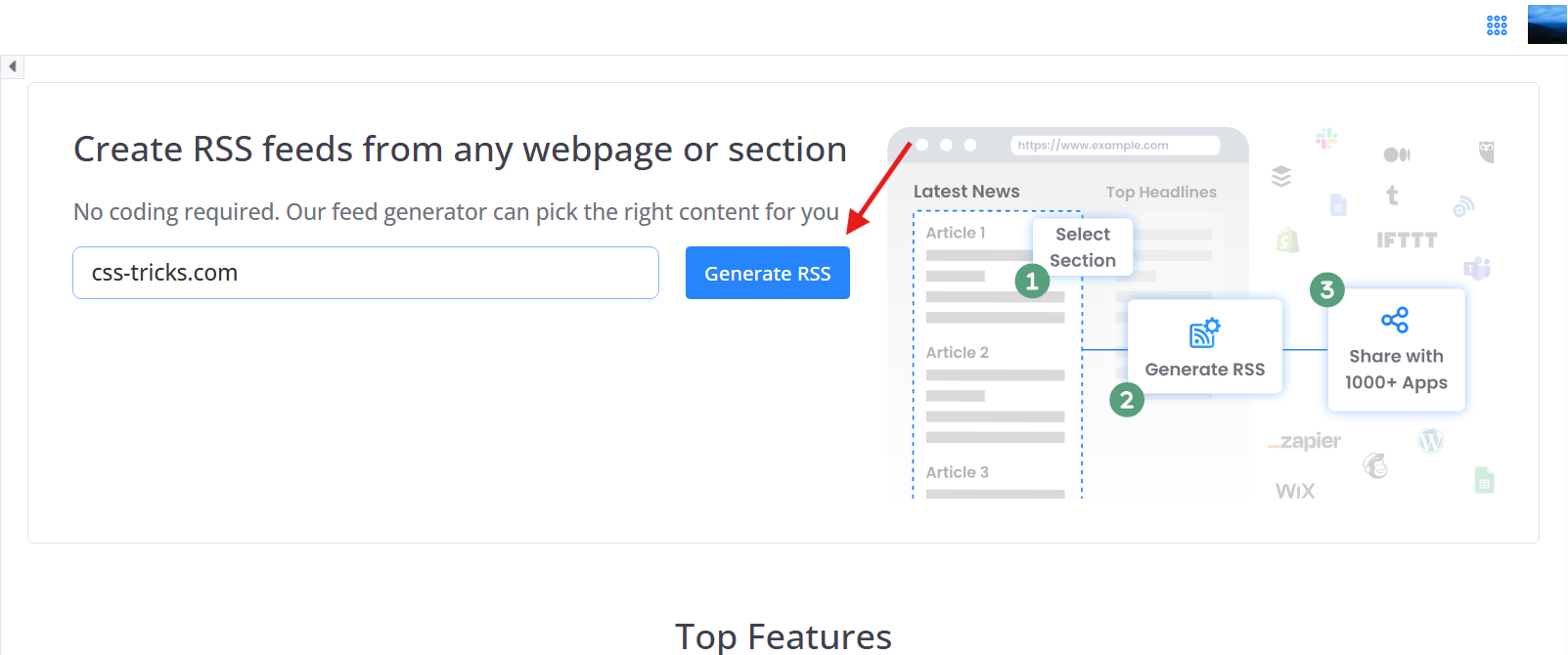
- Enter the URL of the webpage you want to convert into an RSS feed and click Generate RSS.
- Select the sections you want to track, such as article lists or headlines.
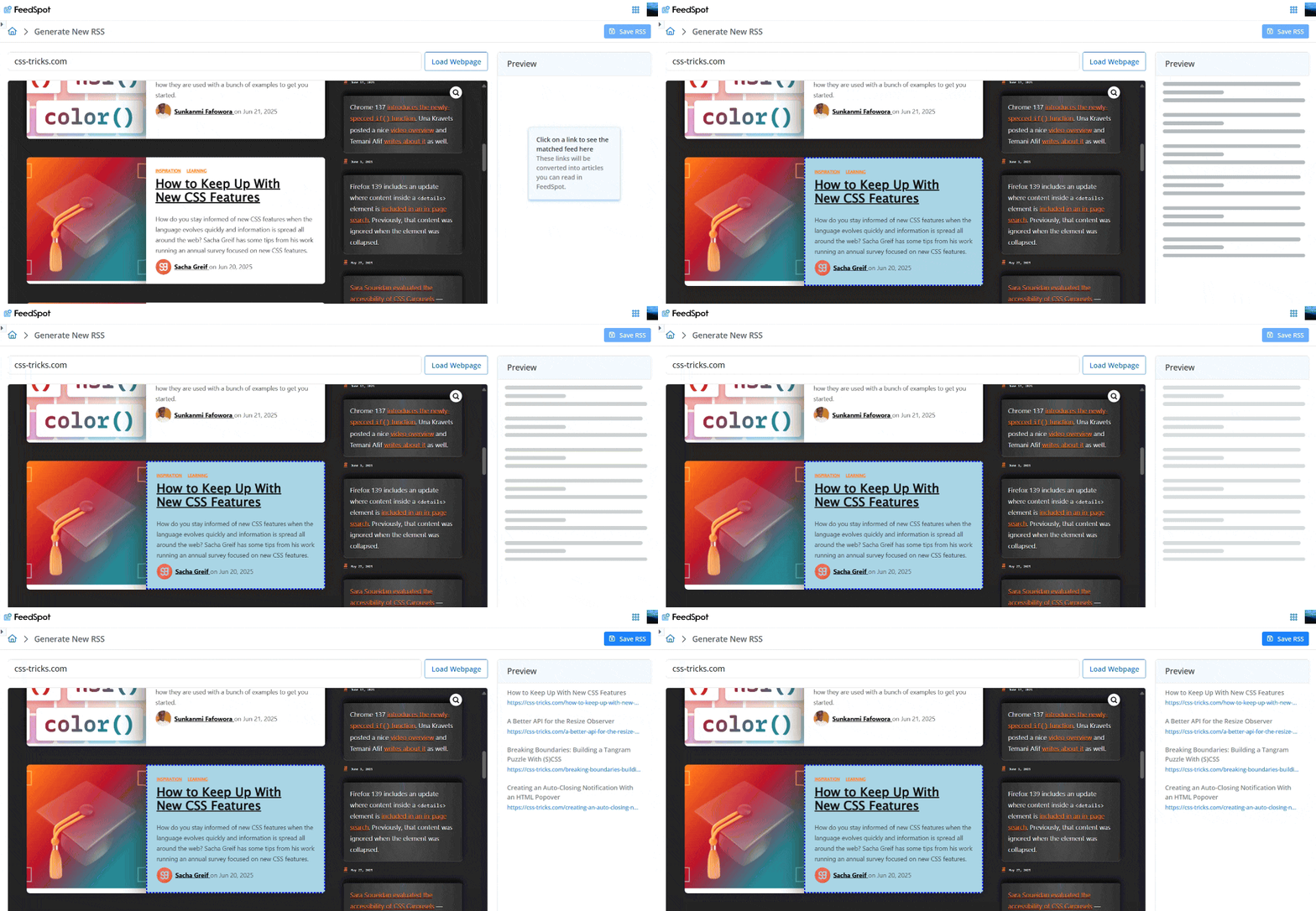
- After selecting your desired sections, click on the Save RSS button. Name your feed in the modal that appears and click Save. The tool will format the content into a structured RSS feed.
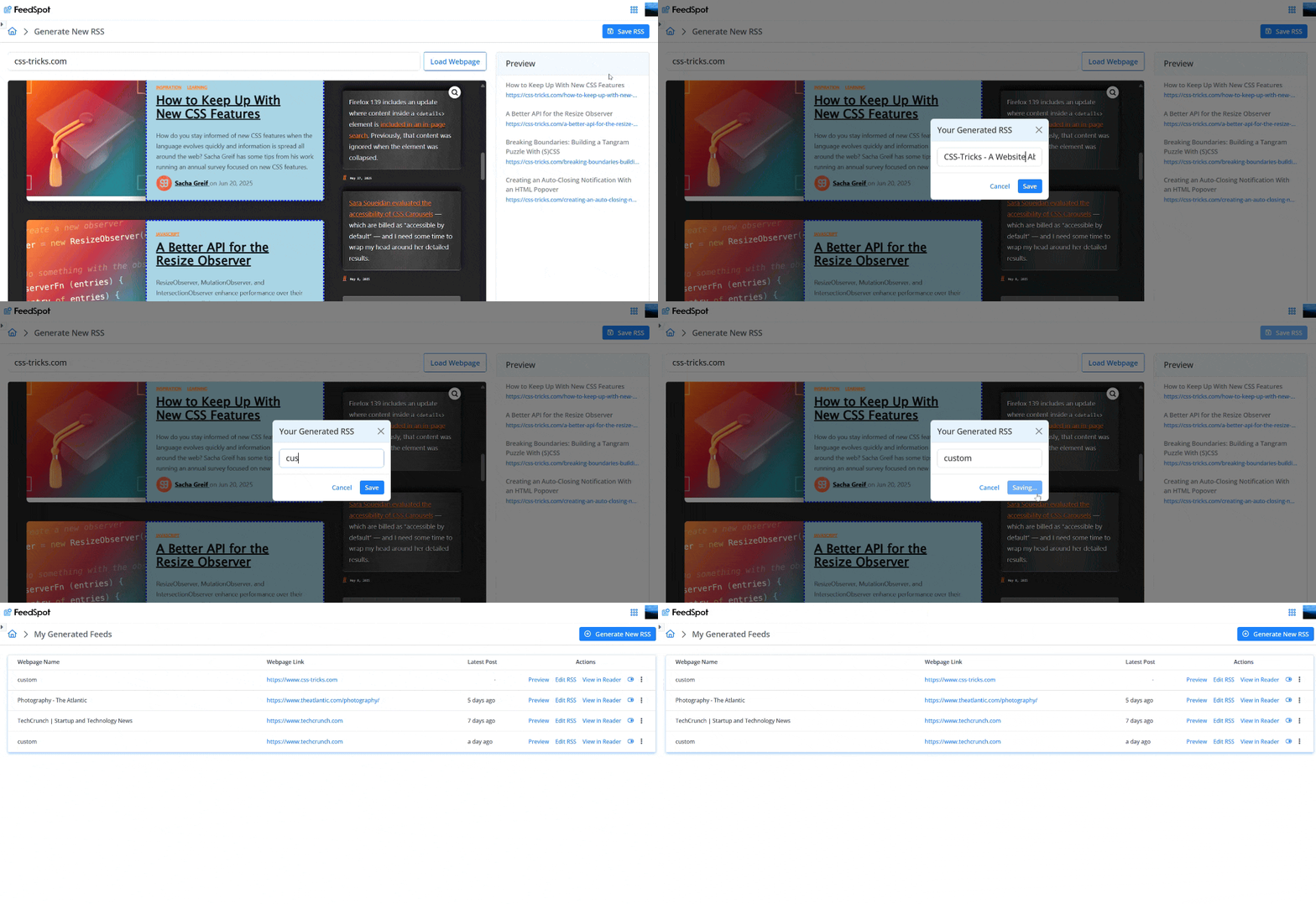
- The feed will automatically be added to your FeedSpot account and will update with new content from the selected sections. You can access it in the Generated Feeds section and also in the FeedSpot Reader.
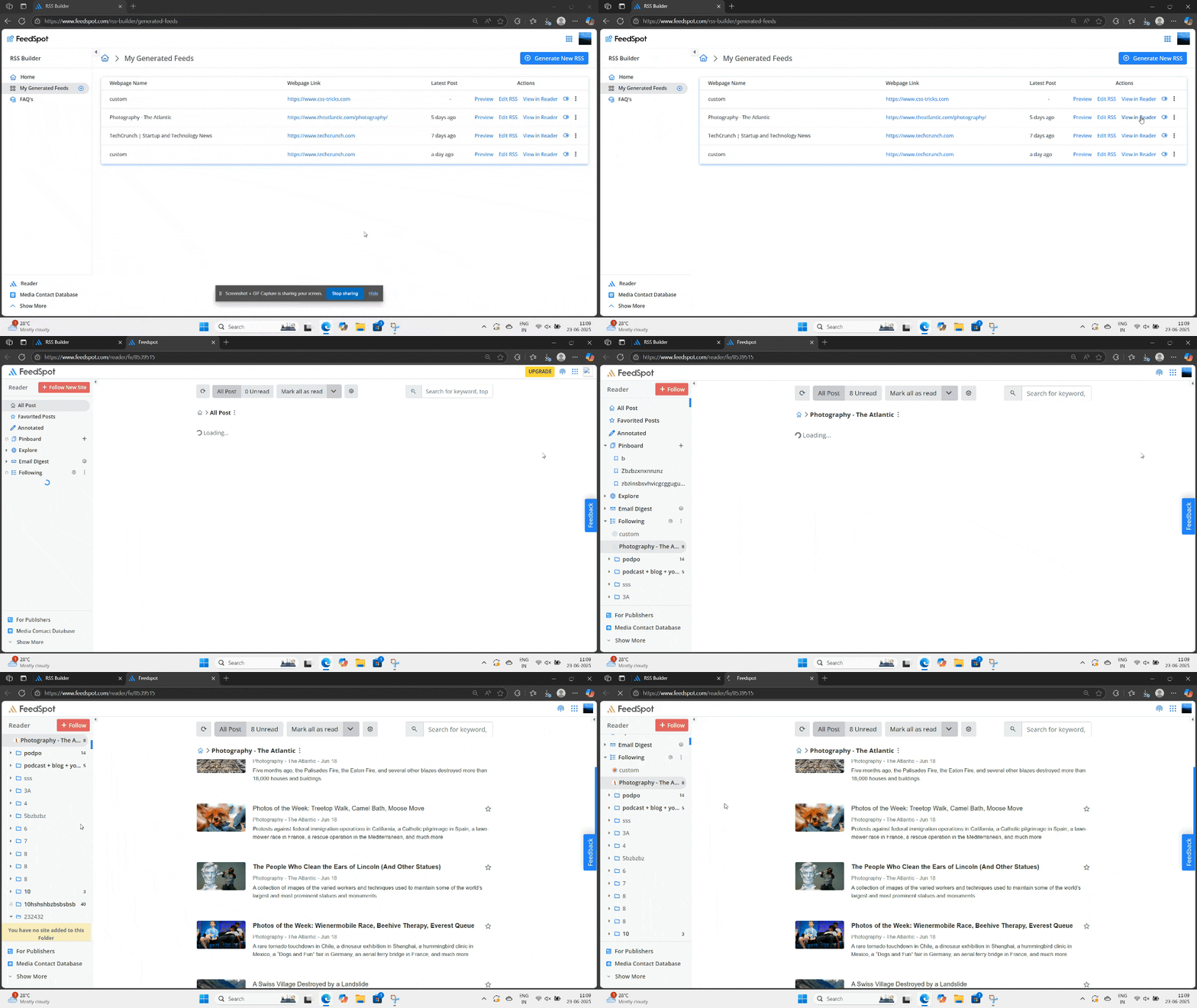
Yes. FeedSpot RSS Builder is built for websites that do not offer RSS feeds.
Yes, you can create an RSS feed for sites that already provide RSS support, if that's your preferred method. However, be mindful of the limits of the RSS builder.
Yes, you can see all the feeds you've created by going to the Generated Feeds section 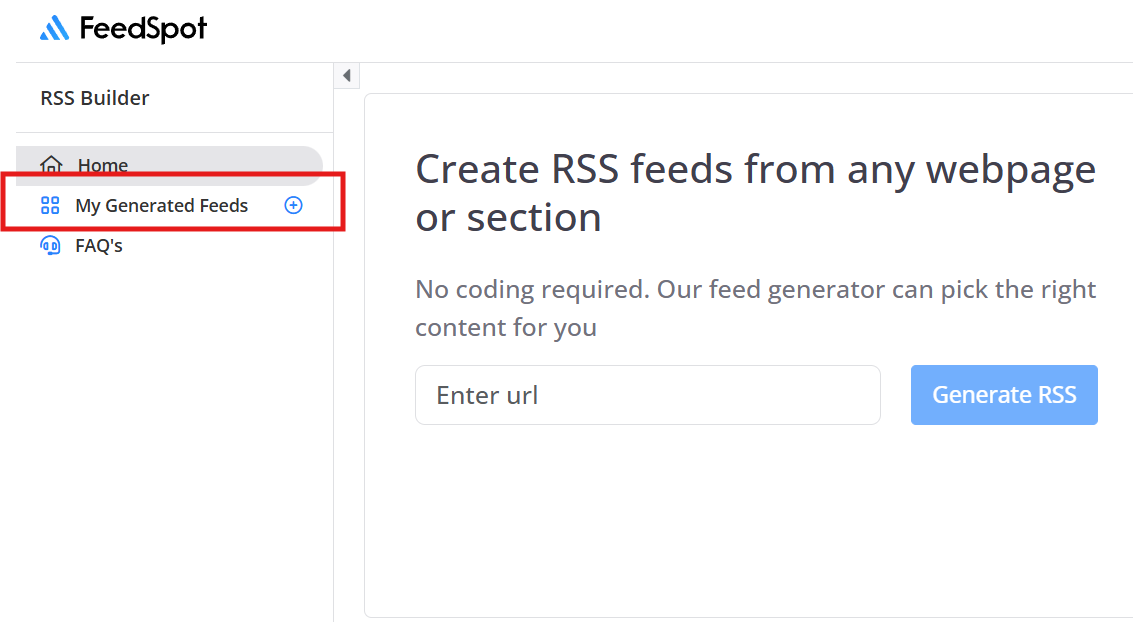
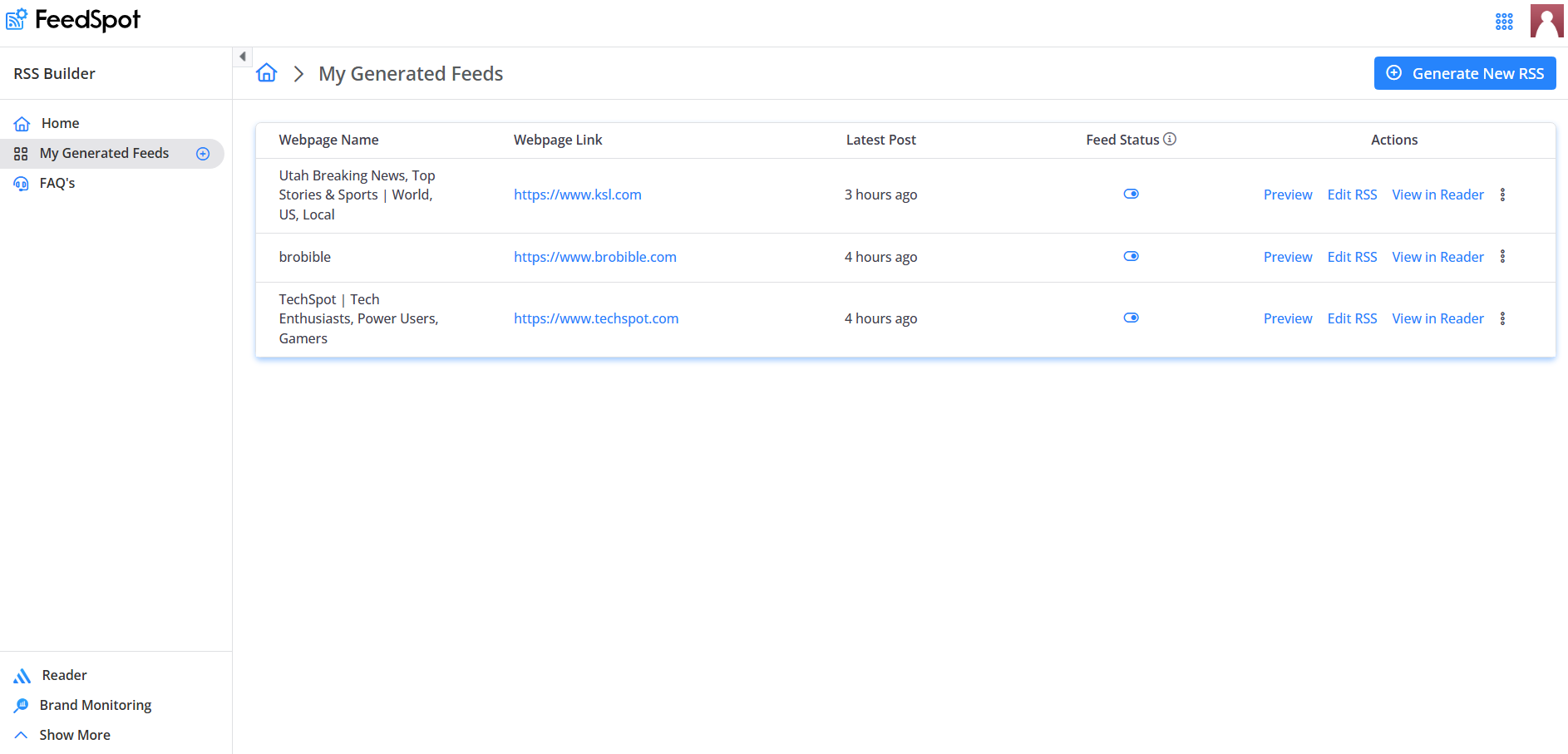
Yes, with the Business plan, you can create up to 15 RSS feeds.
When you create an RSS Feed with the RSS Builder, we create a feed with the most recent articles found by the crawler at that moment. There is no fixed limit on the number of articles displayed. The feed will continuously update with new content as it becomes available.
When you create an RSS feed, there is an initial wait because FeedSpot needs to crawl the website to extract the relevant content. This process involves scanning the page and gathering the most recent articles or links available at that moment. Once the crawl is complete, your feed will be ready, and it will update with new content as it becomes available.
Although we aim to support content from a wide range of websites, there are certain types of sites that cannot be followed using the RSS Builder such as,
- Social media platforms like Twitter, Facebook, Instagram, TikTok, and others.
- Websites that use JavaScript to display content
- Sites that don't offer direct links or URLs for retrieving content
- Sites that block automated bot access are also not supported by the RSS Builder.
Safari's restrictions on script execution prevents the RSS Builder from working properly. As a result, although you can hover over the links, they won't be clickable. Unfortunately, we don't have a fix for Safari at this time.
Looking for a specific platform?
RSS Builder works on standard webpages. For social media platforms, use the FeedSpot product built for each source:
RSS Feed Generator
RSS Feed Generator
RSS Feed Generator
RSS Feed Generator
Threads
RSS Feed Generator
RSS Feed Generator
Coming Soon
Start Building Your RSS Feed Today
Create a custom RSS feed from any webpage and never miss updates from the content you care about.
RSS Builder is a modern RSS builder and RSS maker that helps users make RSS feeds from any webpage, including websites without native RSS support.