A reliable way to monitor Threads without checking the app all day
FeedSpot gives teams, researchers, marketers and enthusiasts a simple way to subscribe to public Threads activity.
Monitor public profiles
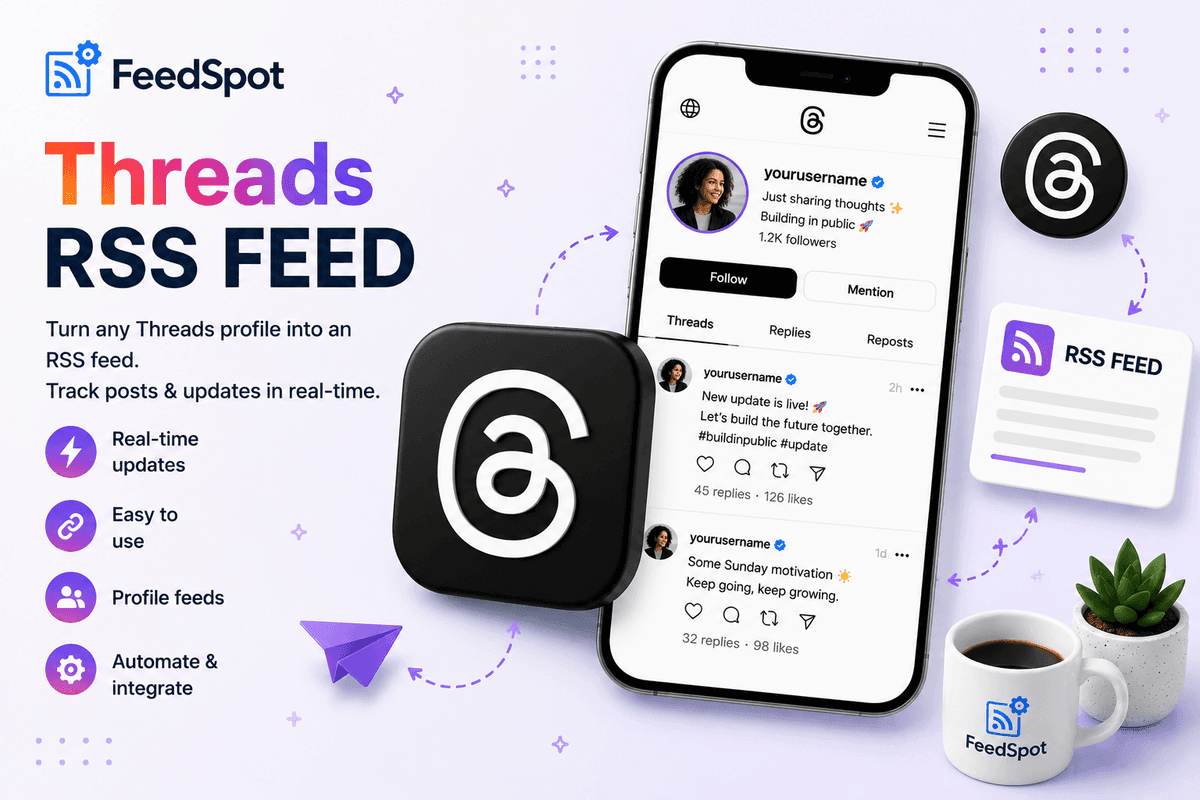
Generate a Threads RSS feed for any public account by entering a username or profile URL. Follow creators, brands, journalists, communities and competitors from one dashboard.
Track threads and posts
Go beyond basic Threads post tracking. FeedSpot is designed for broader Threads monitoring so you can stay updated on new posts and replies through a single feed workflow.
Send Threads updates anywhere
Use your Threads to RSS feed with RSS readers, newsletter tools, automation platforms, webhooks and internal systems. That makes Threads content easier to search, archive and reuse.
What makes FeedSpot the best RSS for Threads workflow
Instantly generate a clean, structured RSS feed for any public Threads profile, perfect for alerts and automations.
Username and profile URL support
Enter a Threads username (with or without @) or a full profile URL and instantly create a feed endpoint.
Fast Threads RSS feed generation
No complex setup. Create an RSS feed for any public Threads profile in a few seconds.
Clean feed output
Structured feed items with post text, links, timestamps, media previews and useful metadata.
Built for alerts and automations
Forward Threads RSS updates into Slack, Discord, email digests or business workflows.
Create a Threads to RSS feed in three steps
Simple, fast, no technical setup required.
Enter the username or profile URL
Add any public Threads username (e.g. @zuck) or profile URL (e.g. threads.net/@zuck) that you want to track.
Generate the feed
FeedSpot converts Threads activity into a clean RSS feed URL you can subscribe to anywhere.
Subscribe and automate
Use the feed in your RSS reader, internal monitoring system or automation tool and stay updated automatically.
Who needs a Threads RSS feed
Brands and marketers
Track competitors, thought leaders and campaign partners without manually refreshing Threads.
Researchers and analysts
Monitor public Threads accounts by niche, geography or creator segment with a repeatable RSS workflow.
Publishers and curators
Follow journalists, creators and media voices on Threads, then pipe new posts into editorial systems.
Developers and automation teams
Use RSS for Threads as a bridge into internal tools, notification systems, archives and ETL processes.
Frequently Asked Questions
Common questions about Threads RSS
A Threads RSS feed is a subscription feed that lets you follow posts from any public Threads profile in an RSS reader or automation tool. Instead of checking Threads manually, updates are delivered to you in a structured feed format.
Simply paste a public Threads username or a full profile URL into the input box above and click "Create RSS Feed". FeedSpot will generate a live feed URL within seconds.
You can enter a Threads username with @ (e.g. @zuck), or a full profile URL (e.g. threads.net/@zuck or https://www.threads.net/@zuck). All formats are supported and resolved to the same feed.
No. FeedSpot only supports public Threads profiles. Private or restricted profiles cannot be accessed.
Threads is a separate app from Instagram, though accounts are linked. You do not need an Instagram account to use FeedSpot — you only need the public Threads profile URL or username of the account you want to follow.
You can generate a preview feed without an account. To save, subscribe and automate, a FeedSpot account is required.
Yes. The RSS feed URL is standard and works with any RSS reader.
If the username or URL does not match a valid public Threads profile, FeedSpot will return an error and prompt you to check the input you entered.
Create your first Threads RSS feed today
Enter a public Threads username or profile URL and get a feed in minutes.